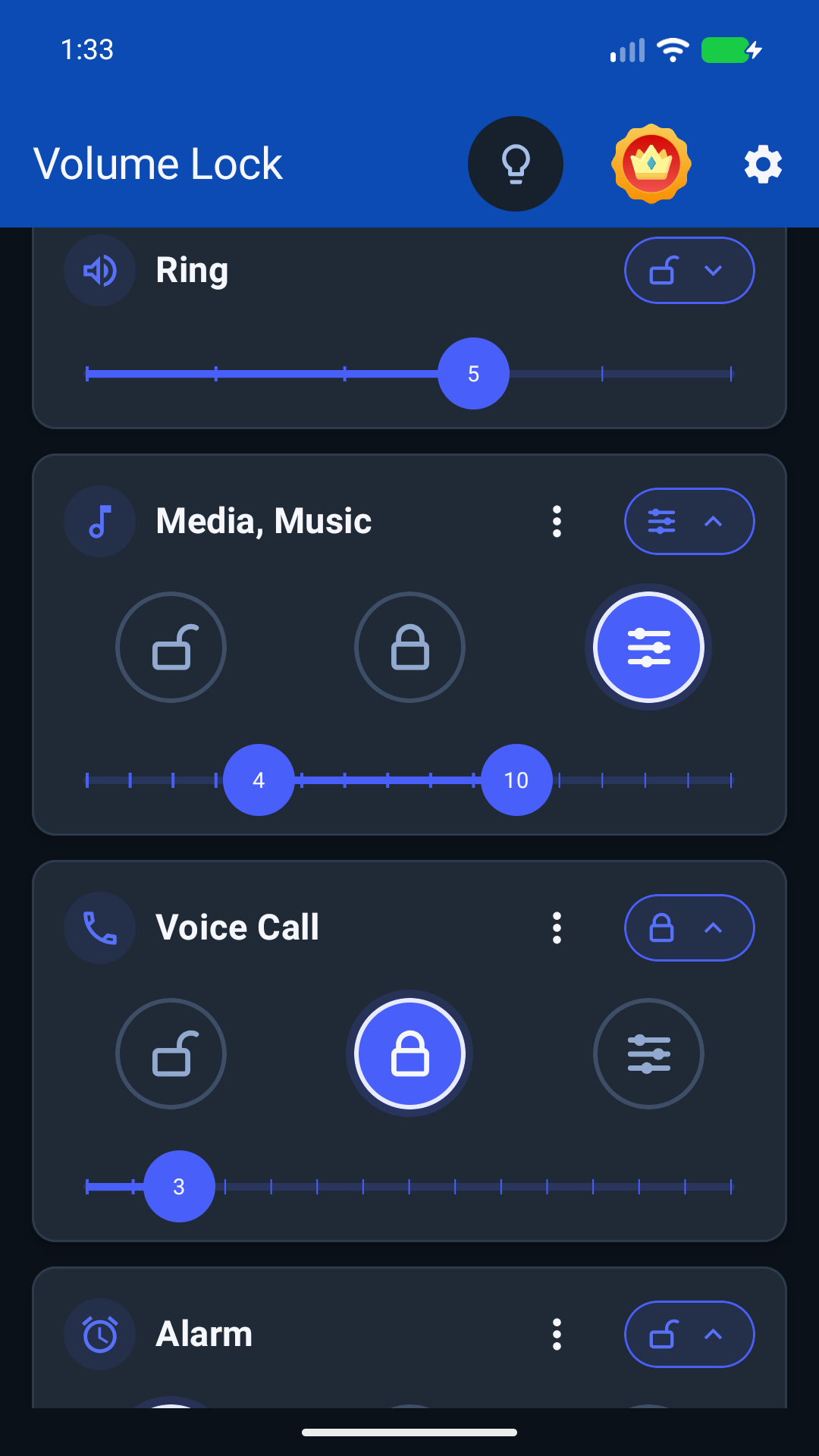
Set your volume range
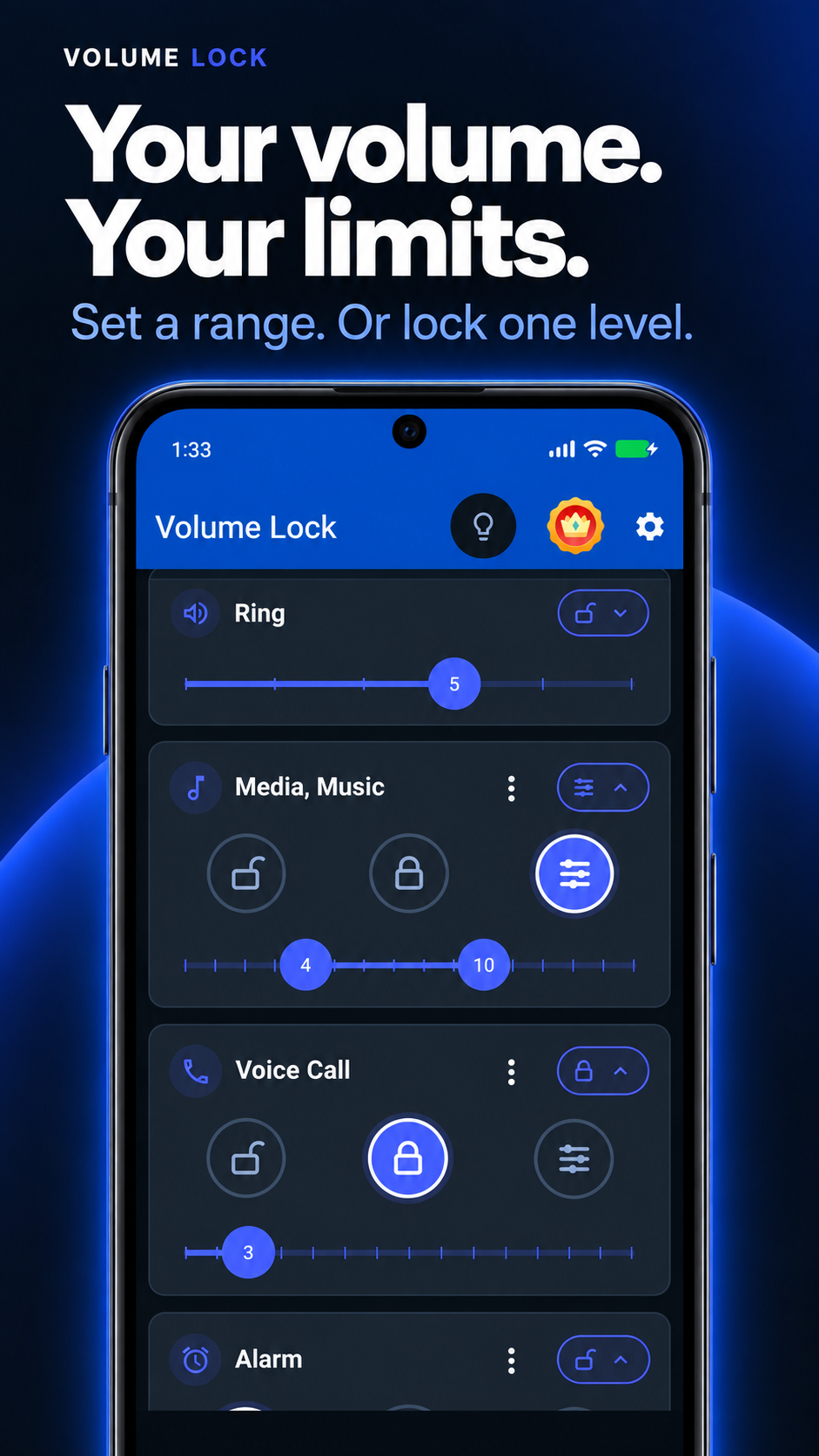
Choose a minimum and maximum. Adjust sound freely within your limits, or lock it to one level.
Volume control for Android
Set volume limits, lock sound levels, and keep curious kids from turning it up.
View Volume Lock on Google Play · Free download, with in-app purchases.
Rating snapshot: worldwide 28-day average from Play Console, checked 20 September 2026. The store rating may differ by country and device. Download and rating counts verified 20 September 2026.
Everyday peace of mind
Use Volume Lock when the phone is shared, used by kids, connected to Bluetooth, or just too easy to bump with hardware volume buttons.
Choose a minimum and maximum. Adjust sound freely within your limits, or lock it to one level.
Reduce surprise jumps from side buttons, apps, and shared use.
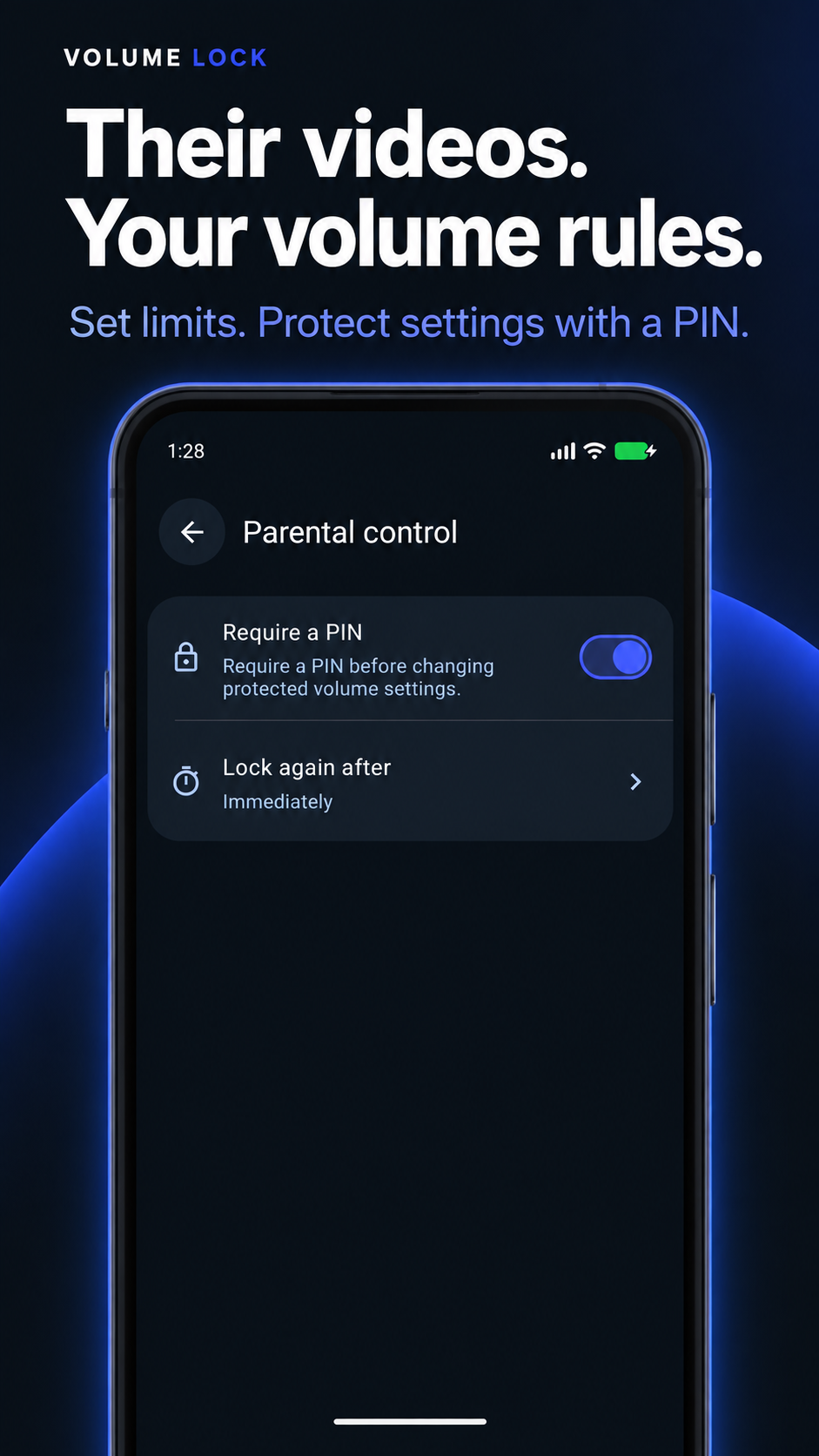
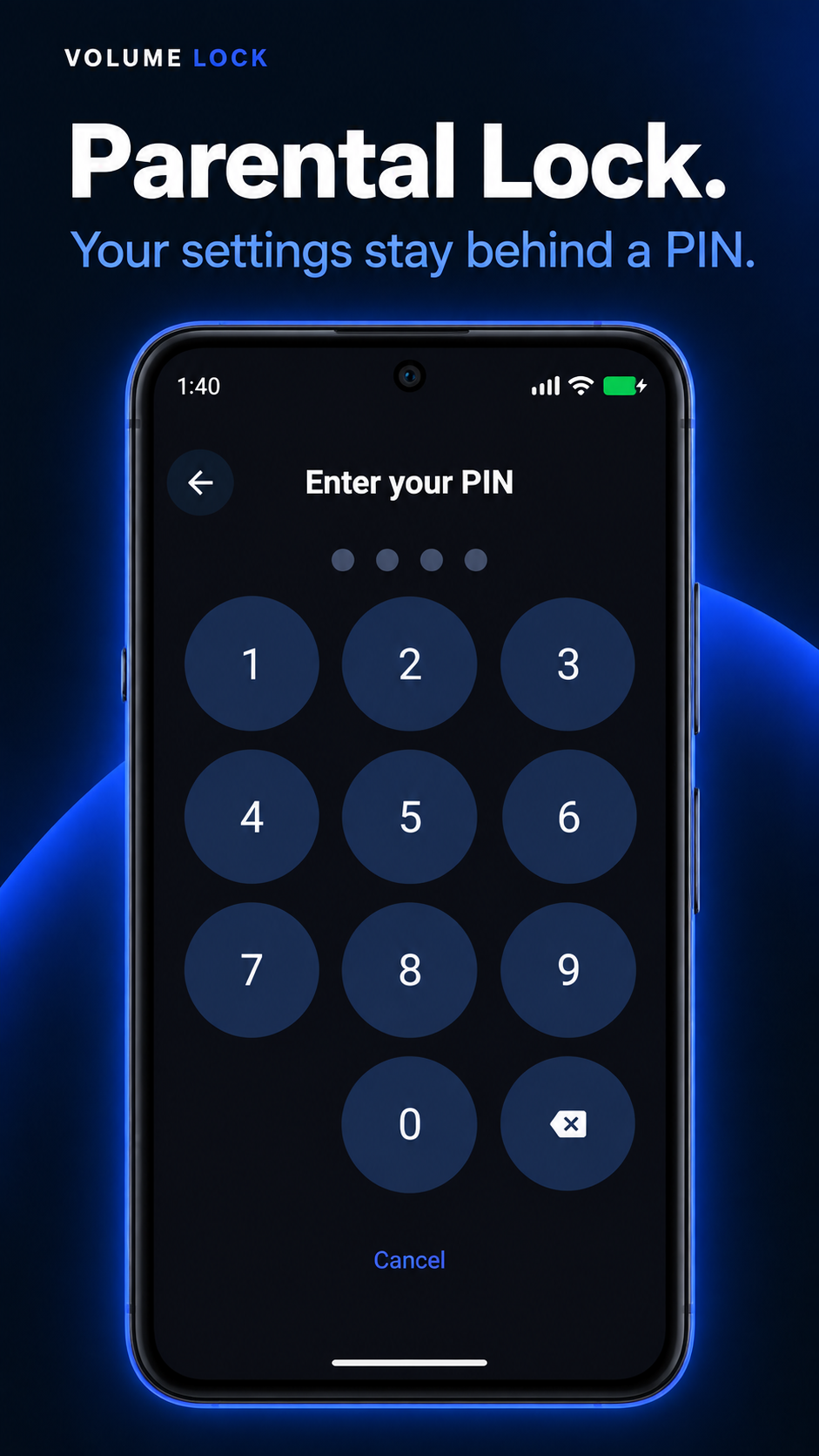
Set a media-volume limit for videos and games, then protect Volume Lock settings with a PIN.
Manage media, ring, alarm, notification, and voice-call volume.
The app keeps rules close to the sound streams they affect, so setup stays visible and easy to adjust.
Select the volume types that need protection.
Pick the exact behavior that fits the device.
Volume Lock restores protected values in the background.
Explore volume limits, Parental Lock, profiles, and Bluetooth audio in Dark Astra.
Made for your routine
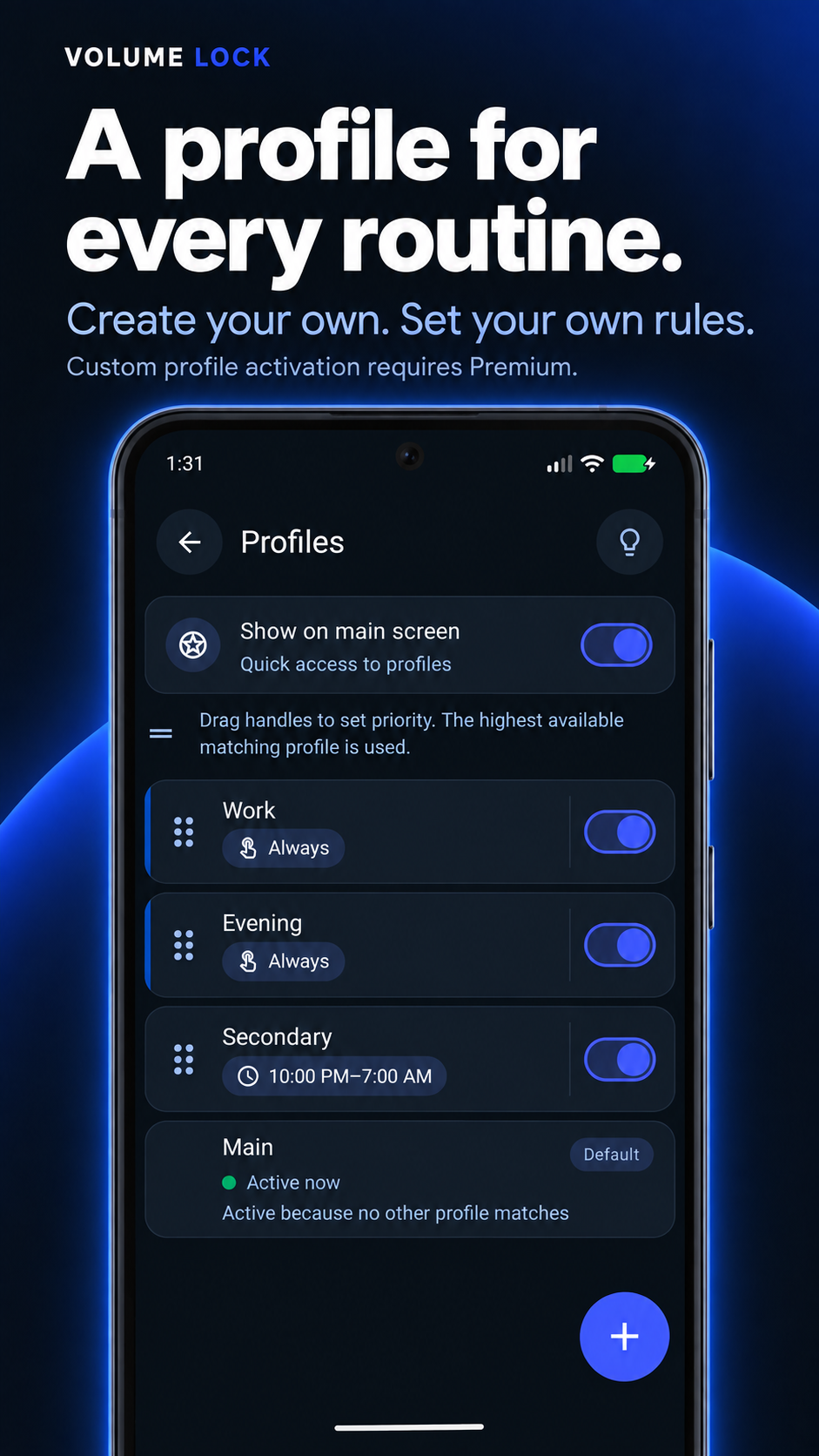
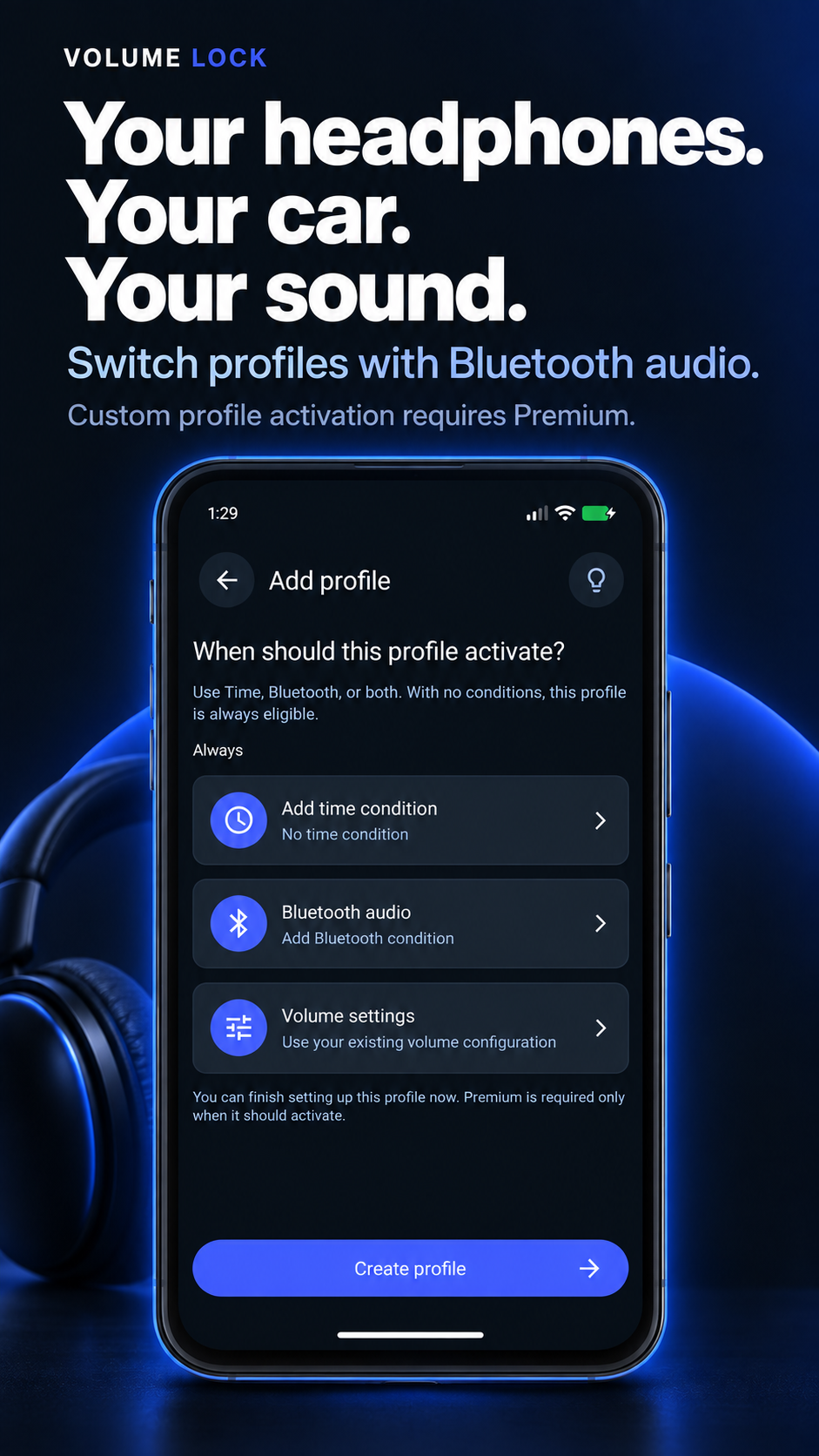
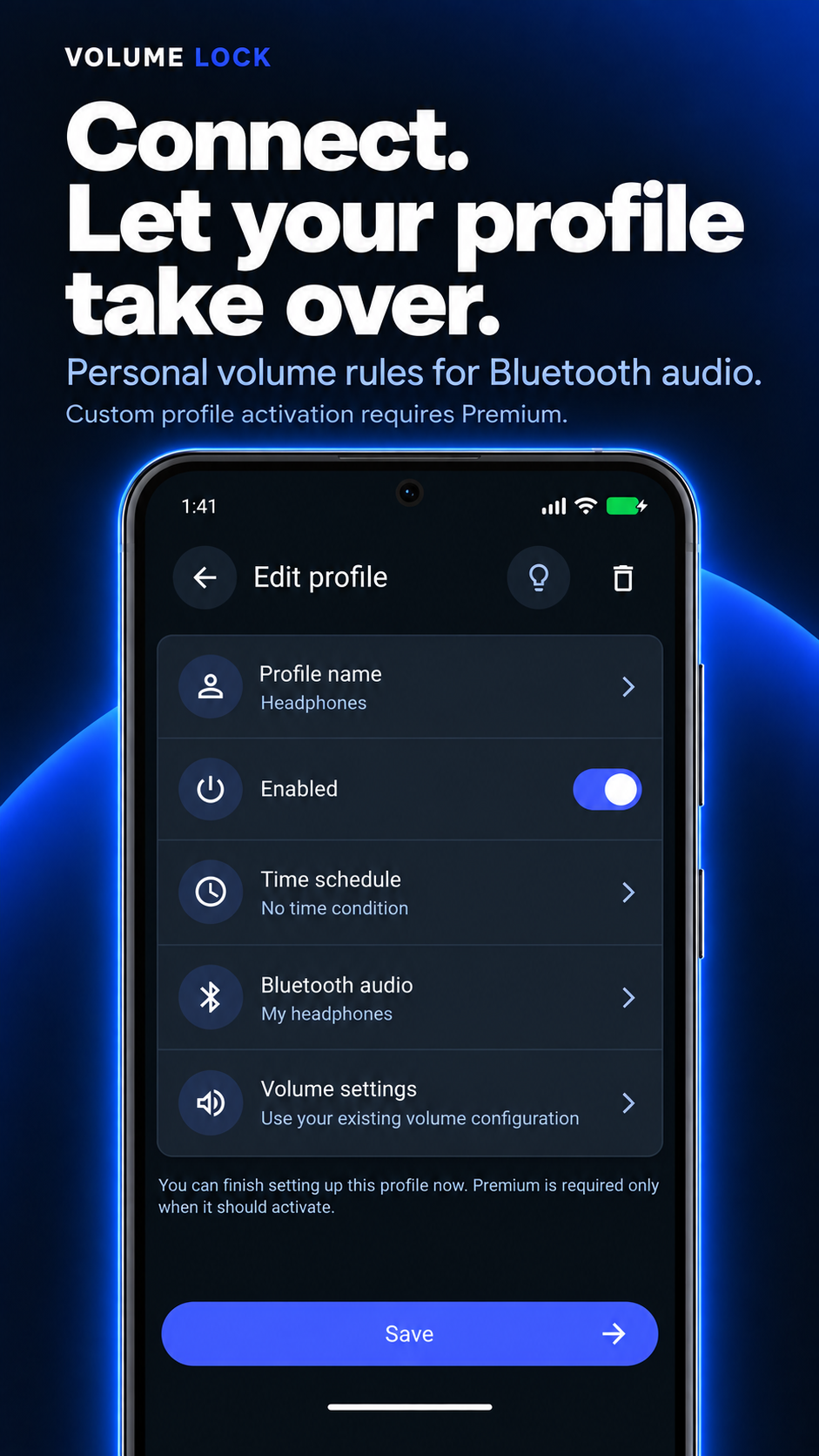
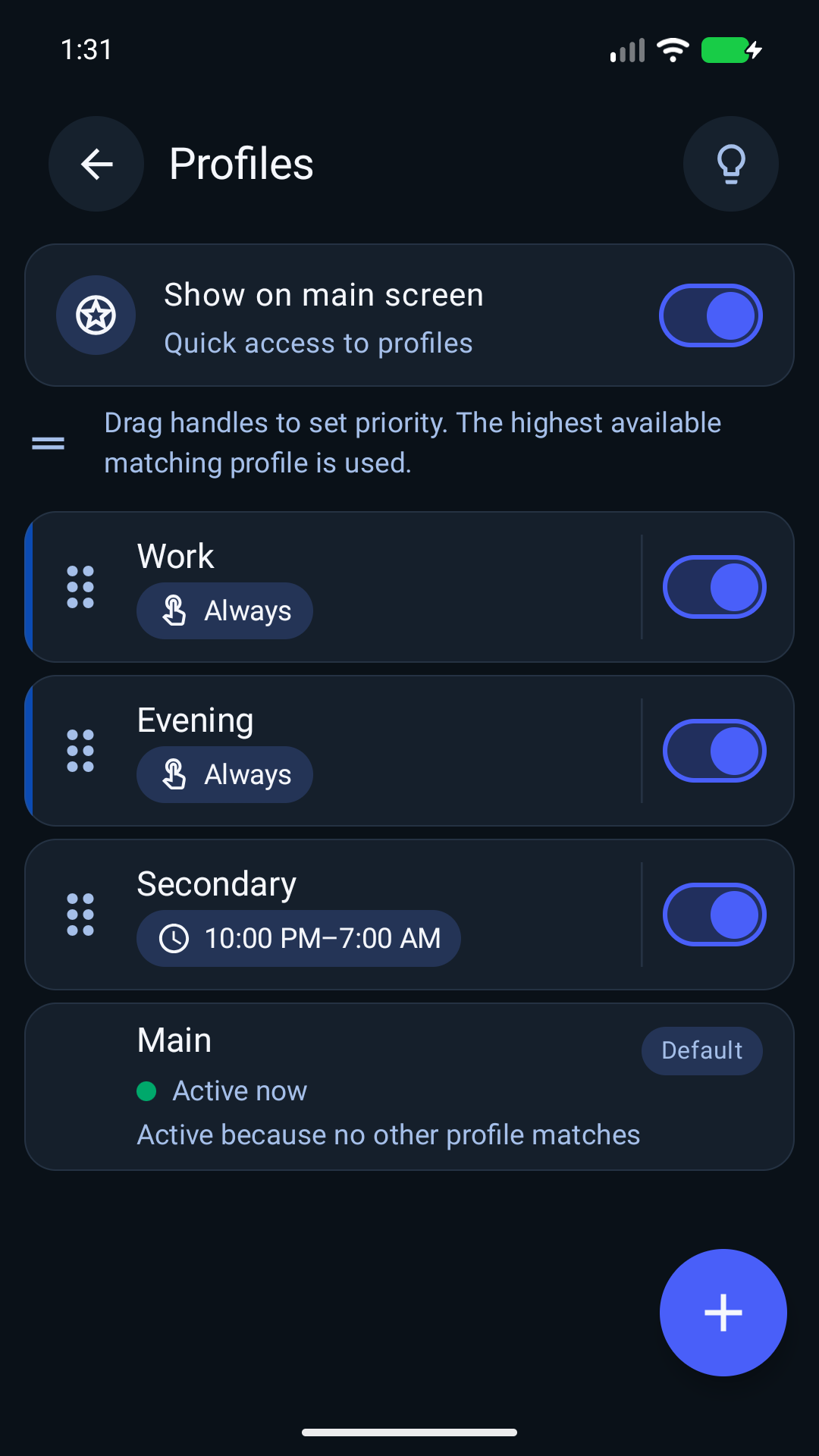
Create and name your own profiles for work, evenings, headphones, or the car. Save the volume levels and ranges that fit each routine.
Short guides for common Android sound and permission questions.
Keep music, video, and Bluetooth playback from drifting.
Set practical protection for shared phones and tablets.
Keep calls, ringtone, and notifications predictable.
Understand background operation and battery settings.
Need an upper limit rather than one fixed level? Learn how to set a maximum volume on Android.
Volume Lock is built for Android users who want predictable sound behavior without constant manual adjustment.
It helps keep selected Android volume streams at the values or ranges you choose.
Android behavior can vary by manufacturer and Android version, but the app is built around standard Android volume streams.
Permissions help the app monitor volume behavior, show service status, and keep protection reliable in the background.
The app is designed to stay lightweight. Android battery optimization can still affect background reliability.
Install Volume Lock from Google Play and set the streams that should stay protected.